

How to buy
electricity
Forgot to buy electricity?
With IMB you can buy electricity wherever you are!

Buy electricity on the IMB App
Follow these easy steps below to purchase electricity on the app.
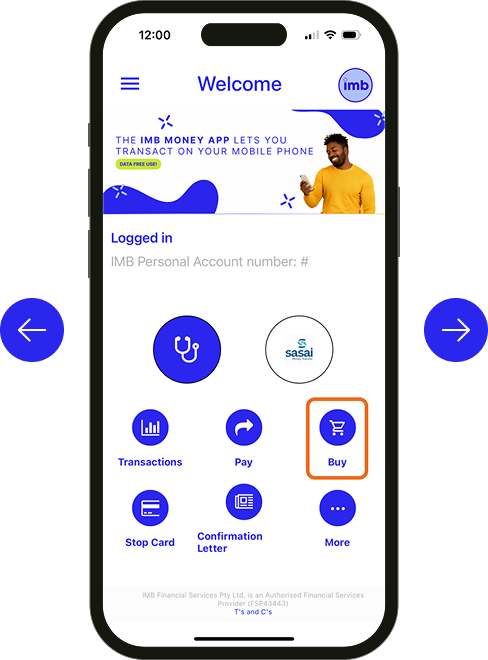
1. Open the IMB App and tap ‘Buy’
2. Select ‘Buy electricity’
3. Register your Meter
4. Input your Meter Name and Meter Number
5. Tap ‘Save’
6. Select your Meter from the dropdown
7. Enter your preferred amount and mobile number
8. Tap ‘Continue’
9. On the confirmation screen, tap ‘Confirm’
10. Complete!
Buy electricity online
Follow these easy steps below to purchase electricity on the IMB website.
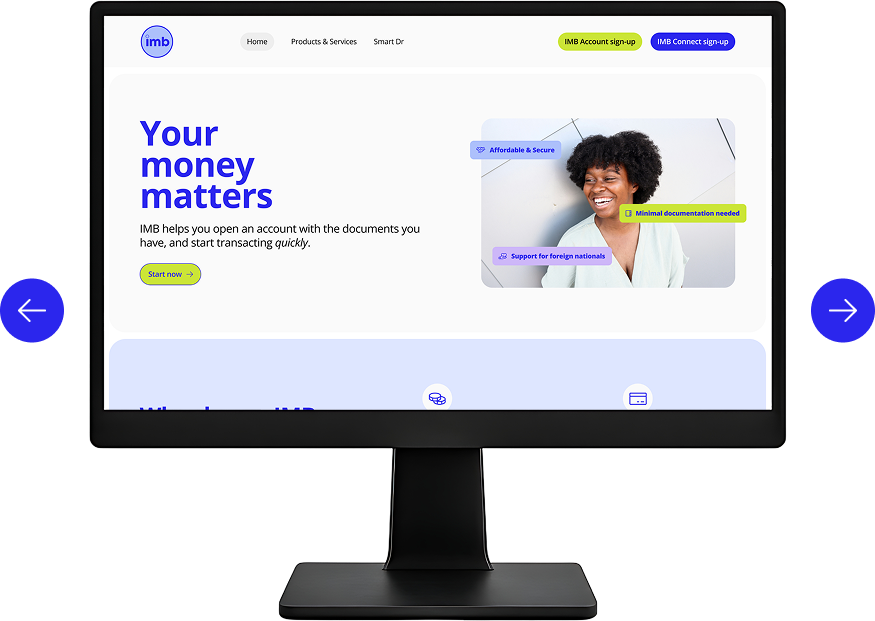
1. Log in to your IMB account
2. Select ‘Buy’
3. Select ‘Buy electricity’
4. Select the Account you’re buying from
5. Select from our pre-saved Meters OR Register your Meter from the button at the top
6. If registering a new Meter, input your Meter Name and Meter Number
7. Tap ‘Register’
8. Select your Meter from the dropdown
9. Enter your preferred amount and mobile number
10. Tap ‘Purchase’
11. Enter the code sent to your mobile number
12. Complete!
Get started with IMB
It’s quick and easy! Our team will guide you
through the steps.
"*" indicates required fields